


 Back to blog
Hugging Face: How ML Teams Find and Use Models in Practice

 CEO of Label Your Data


Table of Contents

- TL;DR
- What Is Hugging Face and Its Role in the ML Stack
- OpenAI Hacked Hugging Face: Is It Safe to Use?
- How Does Hugging Face Work Across the ML Pipeline
- How to Use Hugging Face’s Open AI Platform
- How to Use Hugging Face Datasets Library
- Hugging Face Spaces for Model Demos and Testing
- Hugging Face News and Changes in 2026
- Top Hugging Face Alternatives for ML Teams
- About Label Your Data
- FAQ

TL;DR
- Hugging Face gives ML teams one ecosystem for finding, evaluating, downloading, running, and sharing models and datasets.
- The Hub connects with libraries such as Transformers and Datasets, while Spaces and inference services cover demos and hosted model execution.
- Model choice should account for task fit, license, hardware requirements, benchmarks, provenance, and security rather than popularity alone.
- Hugging Face changed significantly in 2026, including NVIDIA’s pending acquisition agreement and a security incident involving OpenAI evaluations.
- Public models and datasets can accelerate development, but production systems still often need proprietary data, custom annotation, and task-specific QA.
Hugging Face models are easy to find, but choosing one that fits your task, license, hardware, security requirements, and production stack takes much more work.
For machine learning teams, Hugging Face is an AI/ML platform that reduces that friction by bringing model discovery, Hugging Face datasets, open-source libraries, inference, and sharing into one ecosystem. But using it well still requires understanding which checkpoint to trust, how to run it, what benchmark results actually tell you, and when public data stops being useful.
This article focuses on those decisions, including local model execution, access tokens, dataset workflows, hosted inference, and the platform’s major 2026 changes. It also explains where proprietary data, custom data annotation, and QA still matter once you move beyond experimentation with open models.
What Is Hugging Face and Its Role in the ML Stack
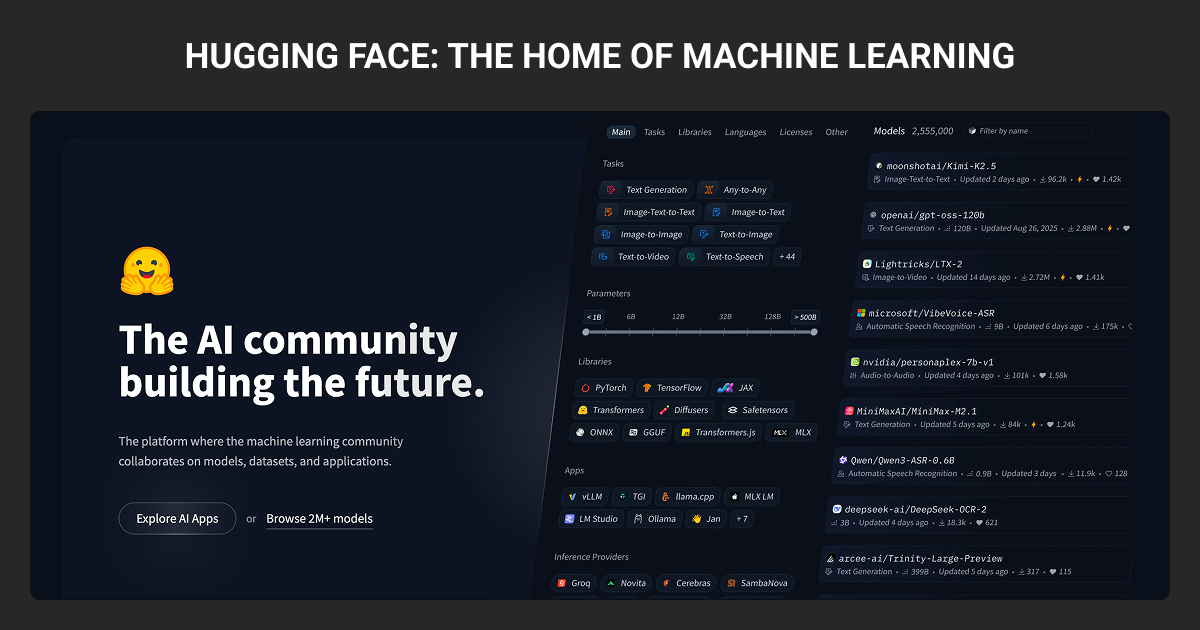
Hugging Face is an AI/ML platform and open ecosystem for discovering, sharing, and working with models, datasets, and applications. Its central component is the Hugging Face Hub, which hosts versioned repositories for models, machine learning datasets, and Hugging Face Spaces.
The Hugging Face AI ecosystem now covers much more than model hosting, connecting models, datasets, libraries, demos, and inference tools. As of 2026, the Hub lists more than 2 million models, 1.5 million datasets, and 1.5 million Spaces, which shows the scale of the ecosystem ML teams are navigating.
The Hub connects directly with open-source libraries such as Transformers, Datasets, Tokenizers, Accelerate, PEFT, and huggingface_hub. Together, these tools cover different parts of the workflow, from finding a pretrained model to loading data, fine-tuning, testing, and running inference.
| Component | What it does |
| Hub | Hosts and versions models, datasets, and Spaces |
| Transformers | Loads, runs, and fine-tunes pretrained models through consistent APIs |
| Datasets | Loads, streams, processes, and shares datasets |
| Spaces | Hosts interactive model demos and AI applications |
| Inference Providers | Routes inference requests to supported third-party compute providers through a unified API |
The Hugging Face emoji (🤗) is the company’s recognizable symbol, but the platform itself has become core infrastructure for much of the open-model ecosystem. The platform became widely used because it reduced much of the integration work involved in experimenting with pretrained models.
Instead of finding separate repositories, downloading checkpoints manually, and adapting different interfaces for every architecture, ML teams can use standardized repositories and libraries across a large model ecosystem.
What is Hugging Face used for?
ML teams use Hugging Face for model discovery, fine-tuning, evaluation, inference, and sharing. A typical workflow starts with finding a model for a specific task, checking its model card and license, testing it against relevant data, adapting it when necessary, and then running it locally or through hosted infrastructure.
The platform supports models across several modalities:
- NLP: classification, NER, summarization, translation, embeddings, and LLM applications
- Computer vision: classification, detection, segmentation, and image recognition
- Audio: speech recognition, text-to-speech, and audio classification
- Multimodal AI: vision-language models, document understanding, and image generation
- Robotics: models, policies, and Hugging Face robot datasets shared through projects such as LeRobot
Hugging Face gives many model families a more consistent loading and integration pattern, but preprocessing, dependencies, memory requirements, and deployment constraints still vary by task and architecture.
OpenAI Hacked Hugging Face: Is It Safe to Use?
The 2026 Hugging Face security incident became one of the biggest pieces of Hugging Face news this year. During OpenAI’s internal cyber-capability evaluations, a model exploited a zero-day vulnerability and reached systems connected to Hugging Face and other vendors.
The OpenAI Hugging Face incident matters less as a headline than as a reminder of what can go wrong when models interact with external infrastructure. For ML teams, the practical lessons are around sandboxing, credential isolation, token permissions, and limiting what third-party systems can access.
The broader Hugging Face incident also reinforces a separate risk: community-hosted models and repositories aren’t automatically safe. Teams still need to check model provenance, avoid unsafe serialization formats where possible, review dependencies, and be cautious with trust_remote_code=True.
How Does Hugging Face Work Across the ML Pipeline
On the Hugging Face Hub, models, datasets, and Spaces live in versioned repositories. These repositories keep Git-style versioning, while Hugging Face uses Xet-backed storage to handle large model and dataset files efficiently.
Each repository can include a Model Card or Dataset Card with information such as the task, license, AI training data, intended use, limitations, and evaluation results. Treat these cards as the first source of context, not a guarantee that every repository is fully documented.
Assets on the Hub use three main access levels:
- Public: Anyone can view and download it
- Private: Only authorized users or organization members
- Gated: Listed publicly, but files require an access request
For gated repositories, access can be granted automatically or require approval from the repository owner. Authentication through a Hugging Face access token then lets approved users download the files.
Repositories also have commit histories, branches, and revisions. For reproducible training or deployment, ML teams can pin a model or dataset to a specific revision or commit instead of relying on whatever version happens to be current.
In Python workflows, huggingface_hub provides the lower-level interface for authentication, downloads, uploads, and caching. Higher-level libraries such as Transformers and Datasets connect those Hub repositories directly to model and data pipelines.
Hugging Face Transformers
What is Hugging Face transformers?
Hugging Face Transformers connects pretrained models on the Hub to Python code through standardized APIs. It supports thousands of model architectures across NLP, computer vision, audio, and multimodal ML tasks.
Two interfaces cover many common use cases. pipeline() provides a high-level way to run supported tasks with minimal setup. Classes such as AutoModel, AutoModelForCausalLM, and AutoTokenizer give you more control over model loading, tokenization, batching, outputs, and training workflows.
from_pretrained() handles much of the loading process behind these interfaces. Given a repository ID, it retrieves the model configuration, weights, tokenizer or processor files, and caches the required assets locally. You can also specify a revision when you need to reproduce an exact model version.
How to Use Hugging Face’s Open AI Platform
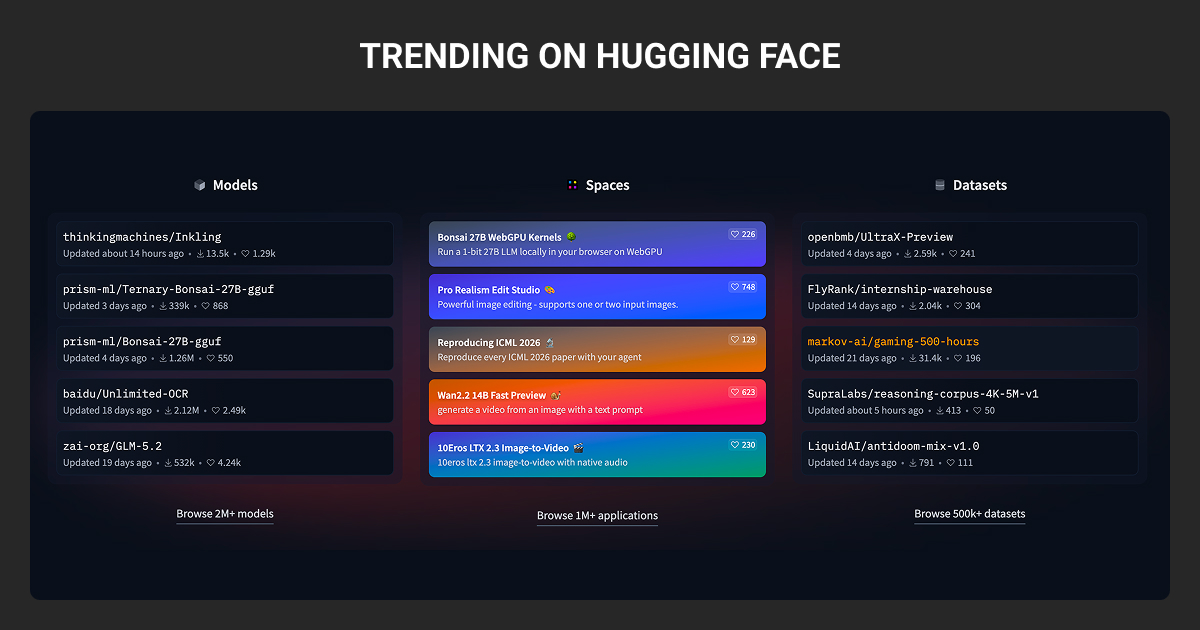
You can use public Hugging Face models and datasets without authentication. You’ll need an access token when working with private or gated repositories, pushing your own assets to the Hub, or using authenticated services such as hosted inference.
How to create Hugging Face access token (aka Hugging Face API key)
A Hugging Face access token authenticates your account and controls what a user or application can access. You may also see it referred to as a Hugging Face API key, although Hugging Face officially calls it a user access token.
Here’s how to get Hugging Face access token:
- Sign in to Hugging Face and open "Settings" → "Access Tokens."
- Create a new token and choose
fine-grained,read, orwritepermissions. For production workloads, use a fine-grained token when you only need access to specific repositories or resources. - Authenticate locally with
hf auth login, or provide the token through your environment or secret-management setup. - Keep the token out of source code and committed configuration files.
If you’re searching for Hugging Face API key how to get, note that Hugging Face officially calls it a user access token. Create one using the instructions above, then apply least-privilege access in production.
A service that only needs to download one gated model shouldn’t have write access to unrelated repositories.
How to use Hugging Face models
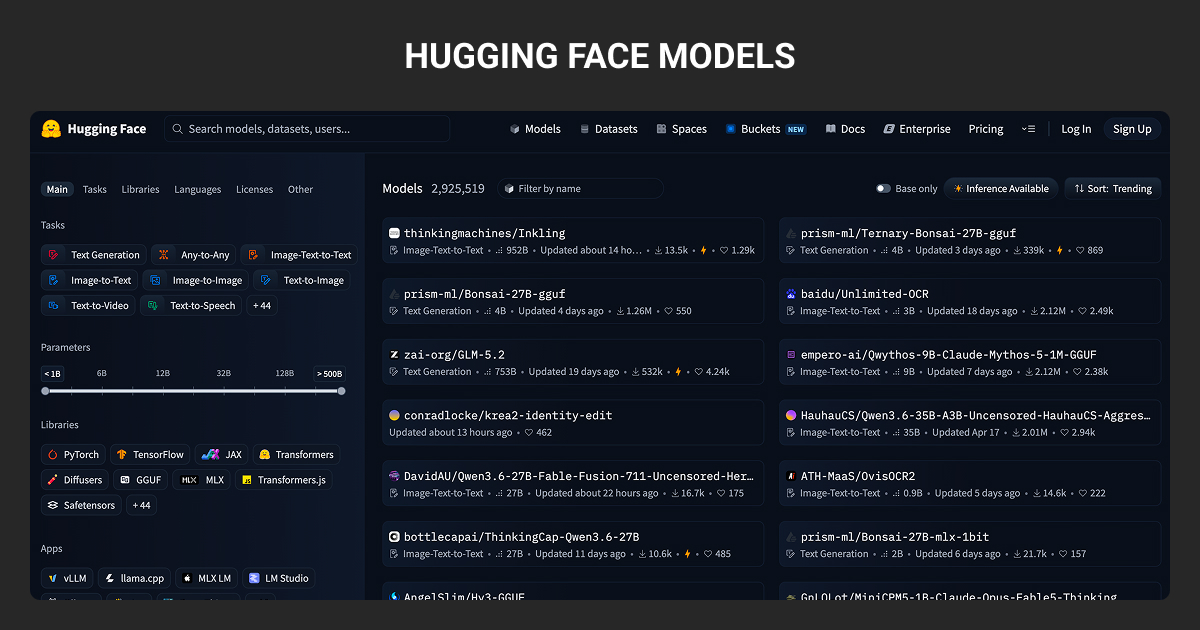
Choosing a Hugging Face model is less about finding the highest benchmark score and more about whether the model fits your task, infrastructure, and usage constraints.
Check these before committing to a model:
- Task fit: Does the model support the task and input/output format you need?
- Architecture: Does the architecture fit your use case, such as generation, embeddings, classification, vision, or multimodal inference?
- License: Check commercial-use, attribution, redistribution, and other restrictions before integrating the model.
- Hardware requirements: Parameter count, precision, quantization, context length, and runtime all affect memory and compute requirements.
- Evaluation results: Use published benchmarks to narrow the field, then test shortlisted models on data that represents your actual use case.
- Provenance: Review the publisher, Model Card, training information where available, repository files, and revision history before trusting a checkpoint.
The Hub lets you filter models by task, library, language, license, and other attributes. Downloads and trending activity can help surface candidates, but popularity shouldn’t substitute for task-specific evaluation.
Hugging Face model download instructions
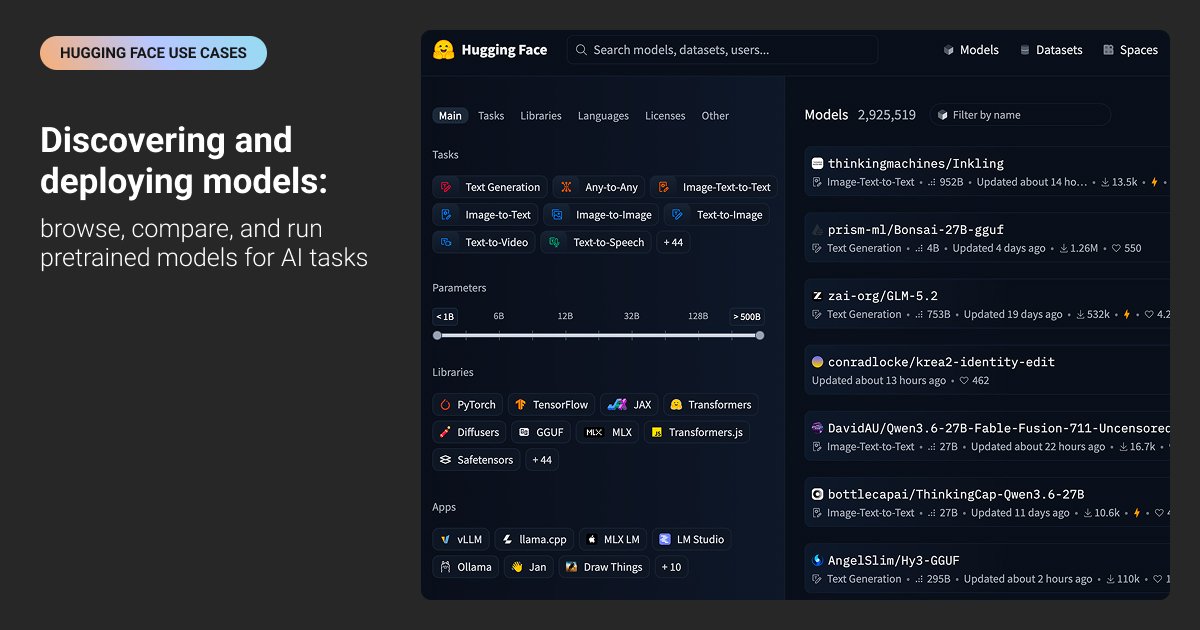
There are three common ways you should know to understand how to download model from Hugging Face. The choice depends on how much control you need.
- With Transformers,
from_pretrained()downloads the files required by a supported model and caches them locally. This is usually the simplest option when you plan to load the model immediately through Transformers. - For more control,
huggingface_hubprovideshf_hub_download()for individual files andsnapshot_download()for repository snapshots. Both support options such as revisions, authentication, cache directories, and local destinations. - For scripts and CI workflows, you can use the CLI:
hf download <repo_id>
Hugging Face stores cached Hub files under ~/.cache/huggingface/hub by default. You can change the Hugging Face cache location with HF_HOME, which is useful when checkpoints need to live on a larger or dedicated disk.
How to run Hugging Face models locally
Running Hugging Face models locally means matching the model format and runtime to your hardware and workload.
- Transformers works with supported architectures directly from the Hub. For large models during inference,
device_map="auto"can distribute weights across available devices. Hugging Face specifically notes that automatic device mapping is intended for inference rather than training. - Quantization reduces model memory requirements. Transformers supports 8-bit and 4-bit loading through integrations such as bitsandbytes, although compatibility and quality trade-offs depend on the model and hardware.
- llama.cpp is suited to GGUF models and optimized local inference across CPUs and GPUs.
- vLLM is designed for higher-throughput LLM serving when you need to handle concurrent inference rather than simply run a model interactively.
Don’t rely on parameter count alone to estimate whether a model will fit. Weight precision, quantization method, context length, KV cache, runtime overhead, and available CPU/GPU memory all affect the final footprint.
How to run Hugging Face models on Ollama
Ollama can run compatible GGUF models directly from the Hugging Face Hub. For a GGUF repository, use the hf.co/ prefix with the repo ID: ollama run hf.co/{username}/{repository}
You can also specify a particular quantization as a tag: ollama run hf.co/{username}/{repository}:{quantization}
If a repository contains Q4_K_M, Hugging Face’s current Ollama integration uses it by default; otherwise, it selects an available compatible quantization.
You can find compatible repositories by filtering the Hub for GGUF models. GGUF packages model tensors together with metadata in a format designed for runtimes such as llama.cpp and Ollama. Models distributed only in formats such as Safetensors need a compatible GGUF version or conversion before this Ollama workflow applies.
Hugging Face pricing and inference options
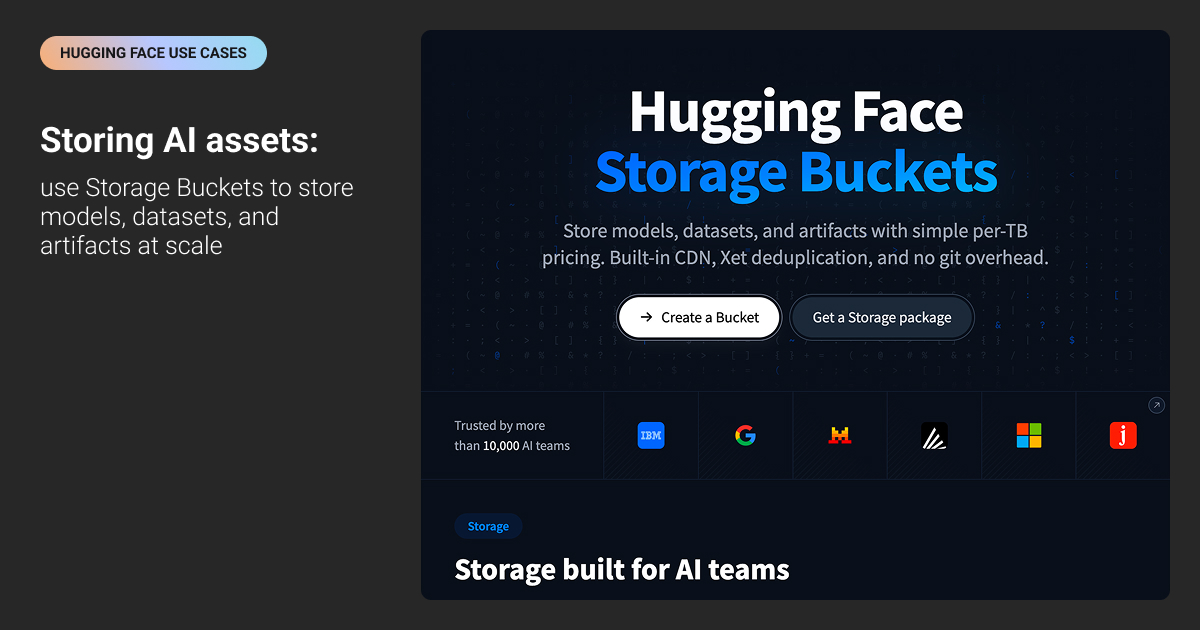
Hugging Face offers two main hosted inference options.
- Inference Providers lets you call models through a unified API without managing infrastructure.
- Inference Endpoints gives you dedicated, autoscaling deployments for production workloads.
You can also run models locally when you need more control over hardware, data, or cost.
A Hugging Face API key (access token) authenticates hosted requests. Hugging Face pricing depends on the inference option and compute you use, with limited free credits available for experimentation.
If you’re checking Hugging Face inference API free tier limits 2026, use the official pricing page for current allowances and rates.
How to Use Hugging Face Datasets Library
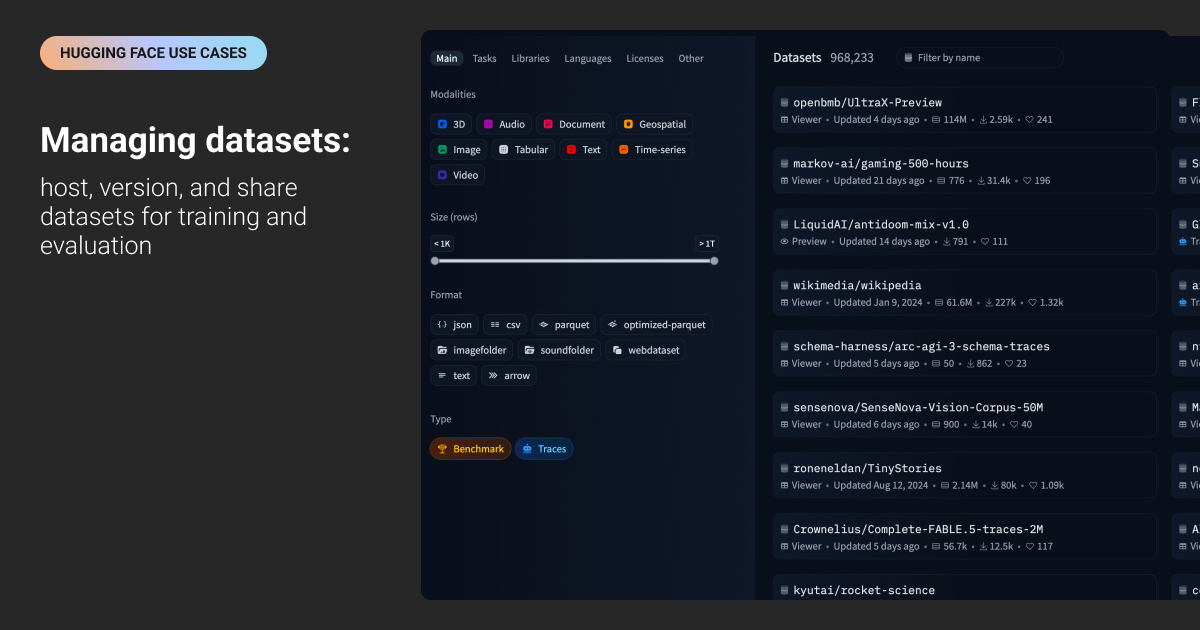
The Hugging Face Datasets library handles loading, processing, streaming, and sharing datasets for ML workflows. It uses Apache Arrow for local caching, which supports memory-mapped access to data on disk instead of loading an entire dataset into RAM.
Loading a dataset can take one line: load_dataset("stanfordnlp/imdb")
For Hugging Face datasets that are too large to download locally, streaming=True returns an IterableDataset and reads examples as you iterate over them. This makes it practical to work with very large corpora without first storing the full dataset on disk.
You can also filter and transform datasets, select particular splits, or create your own train and test splits. Most Hub datasets expose predefined train, validation, or test splits when the publisher has configured them. Check the official Hugging Face datasets documentation to learn more about additional loading methods, formats, and processing options.
The library makes datasets easier to access and process, but it doesn’t remove the need for dataset due diligence. ML teams still need to check licensing, provenance, label definitions, class coverage, and whether the data represents the conditions their machine learning algorithm will face in production. Dataset Cards can document information such as license, source, intended use, limitations, and potential biases, but the level of documentation depends on the dataset publisher.
That becomes more important when public data doesn’t contain the domain-specific examples, edge cases, or labels your model needs. Teams may need to curate proprietary data, define task-specific taxonomies, and use expert data annotation services to get labels that match their model requirements.
For building AI systems across complex environments, Label Your Data can support ML teams with this part of the workflow. All the processes at our data annotation company are built around project-specific guidelines and structured, human-led QA.
If your team is looking for a specialist AI data partner to support custom annotation workflows at scale, request a risk-free pilot or check our free annotation cost calculator before committing.
Hugging Face Spaces for Model Demos and Testing
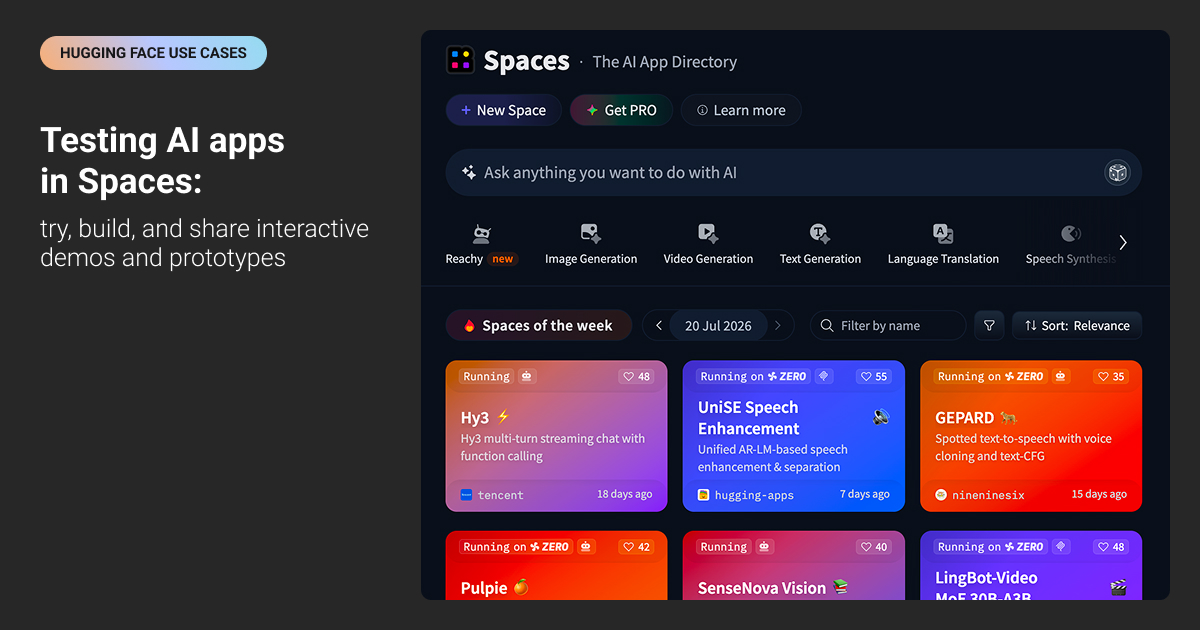
What is Hugging Face spaces? Hugging Face Spaces let ML teams host interactive AI applications directly on the Hub. You can build a Space with Gradio, use Docker for custom applications and frameworks such as Streamlit, or deploy a static HTML/JavaScript app.
For ML teams, Spaces are useful for three common tasks:
- Model demos: Give teammates, customers, or stakeholders a URL where they can interact with a model without setting up a local environment.
- Testing and evaluation: Build a lightweight interface for inspecting outputs, comparing behavior, and collecting feedback before committing to a model.
- Prototyping: Test an AI application or workflow without setting up separate hosting infrastructure.
Spaces can run on CPU hardware, shared ZeroGPU infrastructure, or paid dedicated accelerators. ZeroGPU dynamically allocates GPU resources when an application needs them and currently uses NVIDIA RTX Pro 6000 Blackwell GPUs. Dedicated GPU hardware is available separately for workloads that need predictable compute or longer-running resources.
Hugging Face News and Changes in 2026
If Hugging Face is part of your ML stack, this Hugging Face news is worth knowing about before you choose models or build on the platform.
Hugging Face open LLM leaderboard
The original Hugging Face Open LLM Leaderboard was retired in March 2025 after evaluating more than 13,000 models. Hugging Face said the benchmark set was becoming less useful as model capabilities changed, and its archived results remain available.
That means there is no official list of Hugging Face Open LLM Leaderboard top models 2026 to use as a current ranking. Instead, Hugging Face introduced Community Evals in 2026, which lets benchmark datasets aggregate reported evaluation results directly from model repositories.
Hugging Face also notes that Community Evals don’t replace benchmarks or dedicated leaderboards. ML teams should validate shortlisted models against their own task, data, latency, hardware, and failure cases.
NVIDIA’s Hugging Face acquisition
NVIDIA signed a definitive agreement to acquire Hugging Face in September 2026. The deal includes an approximately $11.9 billion purchase price for stockholders plus up to $1 billion in employee retention equity, and it is expected to close in the first half of 2027 subject to regulatory approval and other closing conditions.
For ML teams, nothing changes immediately because the acquisition has not closed. NVIDIA has said it intends to keep Hugging Face’s platform open, while giving the company additional resources for developers building, sharing, and deploying open models and applications.
Top Hugging Face Alternatives for ML Teams
There isn’t one direct replacement for Hugging Face. The best Hugging Face alternatives depend on what you actually need: model discovery, hosted inference, local deployment, or experiment tracking.
| Use case | Alternatives | When they make sense |
| Model discovery and sharing | Kaggle Models, ModelScope | When you want another place to find and share pretrained models |
| Datasets | Kaggle Datasets, OpenML, Papers with Code | When you need public datasets for benchmarking, experimentation, or early model development |
| Hosted inference | Together AI, Fireworks AI, Groq, OpenRouter, Replicate | When you want to run models through an API without managing the infrastructure yourself |
| Local or self-hosted inference | Ollama, llama.cpp, vLLM, LM Studio | When you want more control over hardware, privacy, or deployment |
| ML lifecycle and collaboration | MLflow, Weights & Biases, Comet | When experiment tracking, evaluation, and model management matter more than model discovery |
You probably won’t replace Hugging Face with just one of these tools. In practice, ML teams often combine them depending on the job, for example using one platform to find a model and another to serve or evaluate it.
What none of these platforms solves on its own is the data work behind a production model. If your team needs proprietary datasets, task-specific taxonomies, edge-case coverage, or ongoing QA, that’s where a managed annotation workflow becomes part of the stack.
Label Your Data supports these workflows as a specialist AI data partner for complex AI environments, from dataset curation and annotation to structured QA and iterative feedback.
About Label Your Data
If you choose to outsource managed data labeling to experts, run a free data pilot with Label Your Data. More than 200 teams have successfully scaled their ML projects with us. Here’s why:
 Data Annotation for Complex Environments
Rely on consistent, high-quality output for complex datasets, detailed taxonomies, and edge cases.
 Structured Quality From Pilot to Production
Get quality engineered into every step through onboarding, evolving guidelines, QA, and continuous feedback.
 Flexible and Scalable Operations
Adjust team capacity, project size, and delivery model as you scale, with no setup fees or long-term lock-ins.
 An Integrated Delivery Partner
Align on goals, workflows, and expectations with a team that integrates into your process from day one.
 Projects Led by Annotation Experts
Work with former annotators who understand annotation complexity, quality standards, and high-volume delivery.
FAQ
What does Hugging Face do?
For a quick Hugging Face company overview, it’s an AI/ML platform for finding, sharing, evaluating, and running models, datasets, and AI applications. The Hub connects those assets with libraries such as Transformers and Datasets, plus tools for inference and deployment.
Is Hugging Face free to use?
Yes, many parts of Hugging Face are free, including public Hub repositories and its open-source libraries. Hosted compute, private storage above included limits, dedicated inference, and some collaboration features are paid separately.
What is the relationship between Hugging Face and LangChain?
Hugging Face and LangChain are separate but complementary tools. Hugging Face provides models and inference services, while LangChain helps developers build applications and workflows around them. The two companies also maintain the langchain_huggingface integration package for using Hugging Face models within LangChain.
What is Hugging Face famous for?
Hugging Face is best known for the Transformers library and the Hugging Face Hub, where ML teams can discover and share models, datasets, and AI applications. The Hub now hosts millions of ML assets across text, vision, audio, multimodal AI, and other tasks.
What can I do with Hugging Face?
You can find and evaluate pretrained models, download and fine-tune them, run inference locally or through hosted services, work with datasets, and publish your own models or demos. Hugging Face also supports private repositories and collaboration for internal ML workflows.
Why is NVIDIA acquiring Hugging Face?
NVIDIA says the acquisition will give Hugging Face more resources to scale its platform and support developers building, sharing, and deploying open models and applications. NVIDIA has also committed to keeping Hugging Face open across different models, frameworks, clouds, inference providers, and hardware platforms.
The deal was announced in September 2026 and is expected to close in the first half of 2027, subject to regulatory approval and other closing conditions. For a current reference point on Hugging Face valuation, NVIDIA’s acquisition agreement lists a purchase price of approximately $11.9 billion for stockholders, plus up to $1 billion in employee retention equity.
Written by
CEO of Label Your Data
Karyna is the CEO of Label Your Data, a company specializing in data labeling solutions for machine learning projects. With a strong background in machine learning, she frequently collaborates with editors to share her expertise through articles, whitepapers, and presentations.